
How it works
Do good. Show it. Inspire more.
Onward turns the giving you already do into something your community can see, and a reason for others to match you.

Three steps.
- 1
Give or volunteer
Give to a nonprofit directly, sponsor an event, sign up for a shift, then log it on Onward.
- 2
The nonprofit confirms
Gifts show as verified once the nonprofit confirms them. Volunteer hours count right away.
- 3
It shows up
On your page, on the nonprofit’s page and in the Hub, where your community can cheer you on.


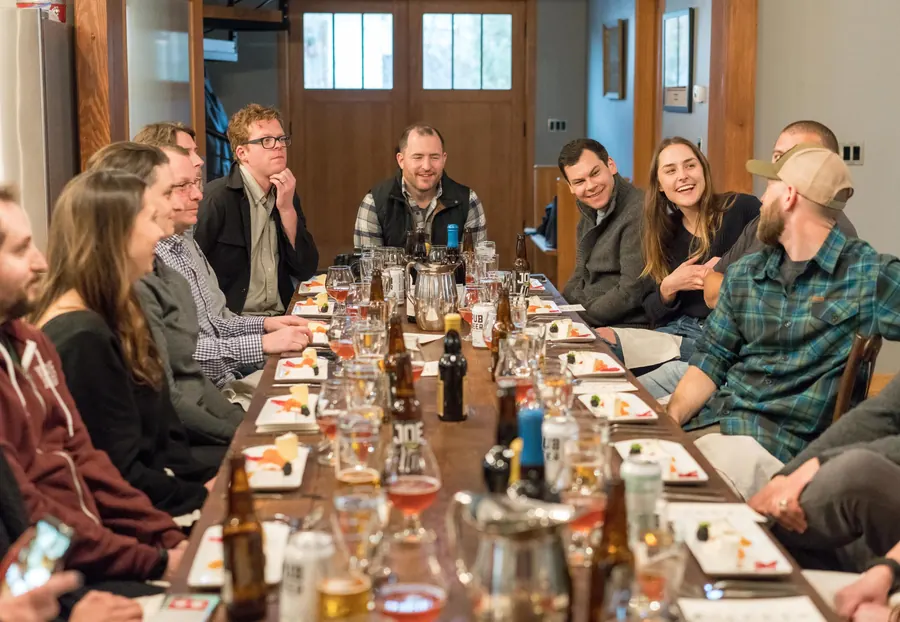
Who's on Onward.
Supporters
Anyone who gives or volunteers. Follow nonprofits, RSVP, and keep your impact in one place.
Businesses and professionals
Show the causes you back, make a giving pledge and get found for it. More
Nonprofits and community groups
Nonprofits, foundations, schools, clubs and congregations: a page for your supporters, plus events, RSVPs, volunteer management and fundraisers you can embed on your website and share on social media. More
Questions.
Is Onward free?+
Does Onward handle donations?+
How are gifts verified?+
Can I keep my giving private?+
Is my gift tax-deductible?+
Who can join?+
Leave it better than you found it.
Joining is free for everyone: people, businesses, professionals and nonprofits.